
Secure by Design
Your Phone hub lives at home. Your backups are sealed with your key. Here’s what that means for your family’s data.
Updated
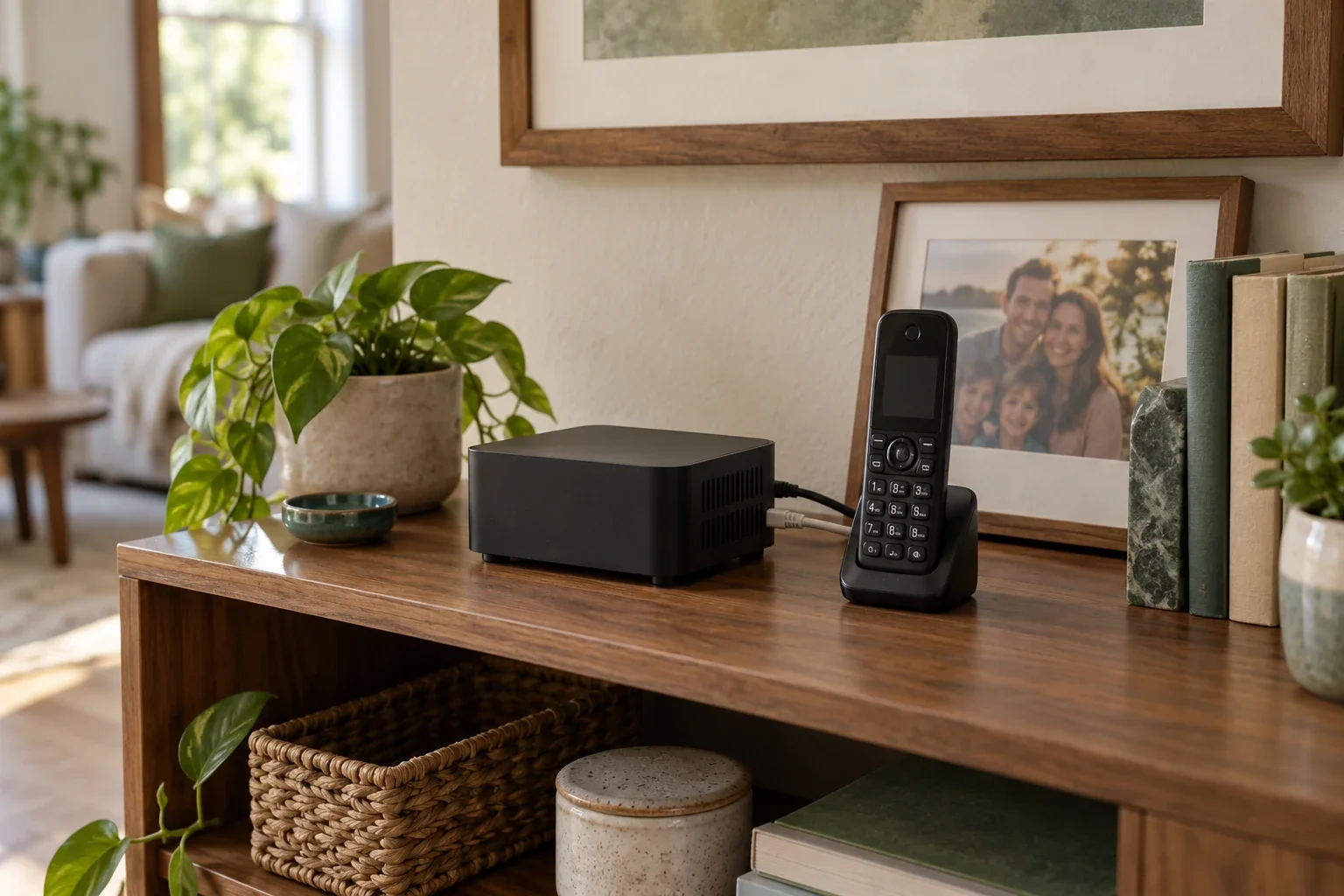
Your family’s phone holds little pieces of your life: familiar numbers, household rules, and voicemails you might want to keep. We build Doorman with that in mind. The Phone hub keeps the working phone setup in your home, and its backup tool can seal a copy without giving us the key to open it.
That is a deliberate design choice. Your family should be able to recover its phone without handing someone else an unlocked copy of everything inside.
A regular computer, with a job to do
The Phone hub is an ordinary computer running Doorman. It might be a small PC or a supported Raspberry Pi. The handset is how you talk; the phone hub holds the settings and local phone data that make the system yours.
That storage is real, physical storage in your house. How much you can keep depends on the disk or card you chose, the space available, and your retention settings. A larger disk gives you more room. It does not create an automatic second copy.
Because it is a computer, a suitably configured phone hub can also run other software. We recommend giving the phone a dependable home: keep the operating system updated, limit who can administer it, and avoid software or everyday activity that could interrupt its work. Putting the computer to sleep, rebooting it, or filling its disk can affect the phone too.
Sealed backups, with the key in your hands
Doorman’s backup tool encrypts the backup on your phone hub before sending the file to its configured destination. You can keep that encrypted file on a separate drive, another computer, or compatible storage you manage.
The phone hub uses a public key to seal each backup. A matching private recovery key opens it. During initial setup, the tool prints that private key once for you to save; it does not keep a copy on the phone hub by default.
Possessing the encrypted file alone does not let us—or your storage provider—read its contents. We do not have a master recovery key. Keep your private key protected and separate from the backup’s storage access, and never send it to support.
This also means that losing every usable copy of your private key can leave a perfectly intact backup impossible to open. Give your recovery key a safe home.
What our account service can see
Local phone data and sealed backups are only part of the picture. Our website and account service still process information needed to operate them, including your email address, household membership, and sign-in records. Support can read information you choose to send us. Your calling provider also processes information needed to carry your calls.
Backup encryption protects the backup file. It does not make the running computer inaccessible to its administrator, and it is not a claim that every phone call or account record is encrypted end to end. Our privacy notice explains the current website and account practices.
Doorman-hosted backups and recovery-key protection are planned services. Their design keeps backup contents and usable private keys out of our servers’ reach; those services are not available today. You can already make and manage encrypted backups yourself.
Home internet and home hardware still matter
If your home internet goes down, calls that need that connection are interrupted. The outage does not erase the phone hub’s files or necessarily shut the computer off. Local functions depend on the phone hub, handsets, and home network remaining powered and working.
Owning the computer also means preparing for its eventual replacement. Privacy and recovery belong together: keep your data under your control, and keep a usable copy somewhere that can survive losing the original machine.
Read what a spilled cup of coffee can teach us about backups.