
Backups: Plan for Spilled Coffee
A dead Phone hub should mean replacing a computer—not losing your family’s phone setup. The important copy is the one you kept somewhere else.
Updated
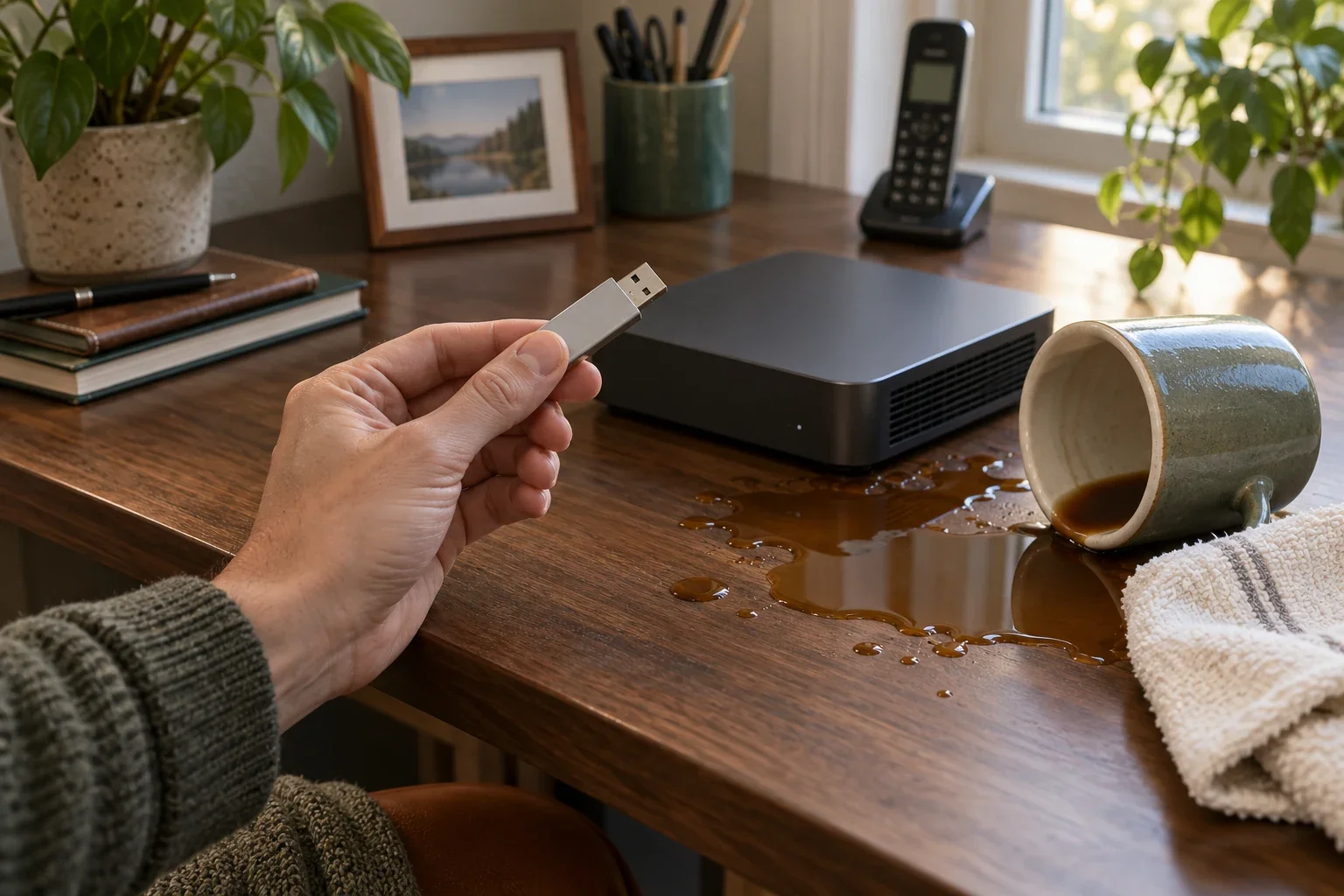
Imagine it is an ordinary morning. Someone reaches across the desk. A mug tips over. Coffee finds the Phone hub, and now the computer will not even turn on.
Yesterday, you made a backup. Unfortunately, you saved it in a folder on that same computer.
The backup exists. You just cannot reach it. If the damaged disk cannot be recovered, that copy is gone with everything else.
Now give the story a different ending: you had been copying your encrypted backups to a USB drive, unplugging it, and keeping it somewhere safe. Your recovery key was saved separately, too. You still need replacement hardware, but you have the pieces needed to restore the phone setup.
The backup that helps is the one that survives the accident.
Computers last until they don’t
A Phone hub is a regular computer doing a useful job. It may serve your household for years. It may also suffer an early disk failure, a worn-out SD card, or an encounter with a drink. There is no dependable ten-year countdown that tells you when to start protecting your data.
We strongly recommend backups from the beginning. They give you a way to move your saved phone setup onto a suitable replacement phone hub if the original fails. Without a usable copy, replacing the hardware can also mean rebuilding your contacts and settings—and losing messages you wanted to keep.
Make the copy. Then move the copy.
The Doorman command-line tool can create an encrypted backup of your phone configuration and included phone data. You can use it even with a Free account; Free includes zero Doorman-hosted backups, but it does not prevent you from making your own.
Writing a backup onto the phone hub’s disk can be a first step. It should not be the last one. Copy it to a separate destination, or configure the tool to write directly to one:
- A USB drive or external disk. After copying and checking the file, safely disconnect the drive and store it away from the phone hub.
- Another computer. Make sure the copy actually arrived on a different machine, rather than another folder on the original disk.
- Compatible cloud storage you manage. Keep access to that account recoverable without needing the phone hub to work.
A USB drive left beside the computer can share its coffee bath. An additional copy away from home helps protect against losing both devices together. Keep dated versions so that a mistaken change does not immediately replace your only good backup.
Keep the key, too
Your backup is encrypted. To open it, you need the matching private recovery key saved during backup setup. Keep that key in a trusted password manager or another protected place away from the phone hub, with a second secure copy you can recover.
Signing into your Doorman account is not a substitute for that key. Neither is finding the USB drive. You need both the backup file and a way to unlock it.
Our recovery-key guide explains how to keep that second piece safe.
Check what you actually saved
A Doorman backup covers the phone data included by its configuration. It is not automatically a complete copy of the computer. If you also use that machine to save family photos, documents, or other personal files, arrange separate backups for those files.
Before an emergency, verify that your saved key opens a backup and check its file list, including anything excluded. Rehearse recovery on a suitable spare system when possible. Restoring can replace files, so follow the restore instructions rather than experimenting on the running family phone.
Make backups regularly, check that recent copies are reaching their destination, and leave recovery instructions where another trusted adult can find them. After a failure, you will need a suitable replacement phone hub with Doorman installed, your saved bundle, its key, and those instructions.
You cannot always prevent a spilled coffee. You can make sure it is the computer you are replacing, rather than every bit of your family’s phone setup.
Follow the step-by-step guide to making and checking a backup.