
Your backup has a key. Give it a safe home.
Why saving an encrypted backup in the cloud is only half the job, and how to keep the private key you need to recover it.
Updated
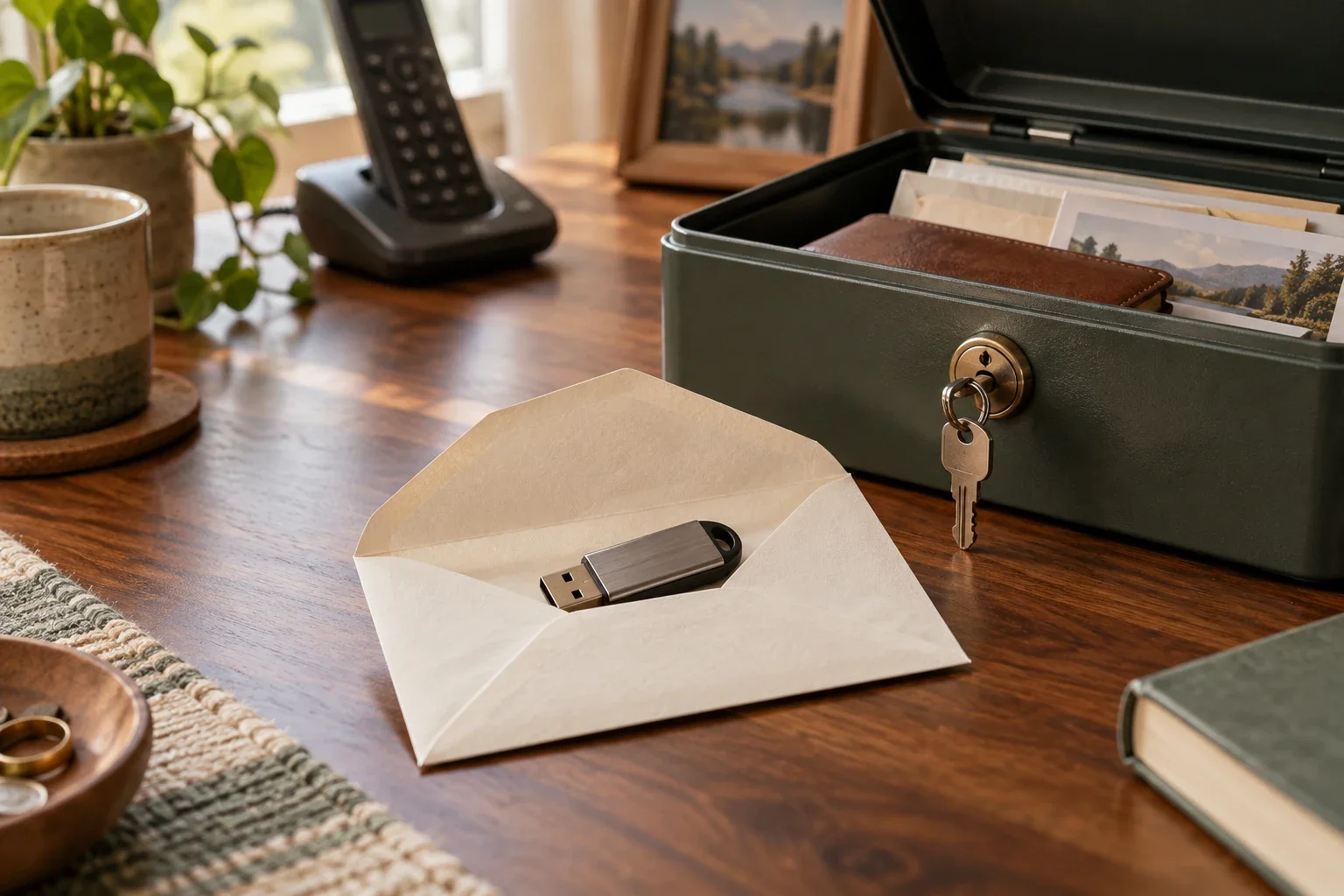
Imagine that the phone hub’s SD card fails. You find yesterday’s backup on another computer. That is a good start—but an encrypted backup needs its matching private key before you can use what is inside.
Keep the backup and a recoverable key. Neither one replaces the other.
Two keys, two different jobs
When you initialize CLI backups, Doorman makes a pair of keys:
- The public key stays in the phone hub’s configuration. It lets the phone hub seal new backups.
- The private key, also called the backup identity, opens those backups. This is the recovery key you must protect.
The command prints the private key once. It does not save a copy on the phone hub by default. That separation lets the phone hub make backups without keeping the key needed to read them.
An encrypted file is useful protection if someone gets access to your storage. It also means there is no password-reset shortcut that can recreate a lost private key. If every usable key copy is gone, the backups it protected cannot be recovered.
“But I already use cloud storage”
Cloud storage can keep a backup available when your phone hub’s hardware fails. It does not automatically keep the private key that opens that backup.
If your only key is on the failed SD card, the surviving cloud file still cannot be opened. If your key is stored beside the encrypted backup with the same access permissions, someone who obtains both may be able to read its contents.
Think about two questions separately: Where is the backup? Where can I safely recover its key?
A practical place for the key
Keep the private key in a trusted password manager or another protected location away from the phone hub. Label it with the house it belongs to and when it was created. Keep a second secure copy—such as a printed copy in a safe place—so losing access to one device or account does not strand you.
Choose a trusted adult who knows where the recovery instructions are. They should be able to find the right key without needing the phone hub to work first. Never paste a private key into a support email, a public issue, or a screenshot you share.
When you deliberately change keys, keep the old key for as long as you keep backups encrypted with it. A new key does not unlock older bundles.
Check the key before you need it
On a system with the Doorman CLI and your backup destination configured, you can test your saved private key:
BACKUP_IDENTITY_FILE=~/callmemaybe.key doorman backup verifyUse the actual path to your key file and restrict access to it. Verification checks that the key opens the bundle and shows its manifest; it does not restore files over your running setup. See the backup guide for the surrounding steps.
An optional key copy on the phone hub enables automatic read-back verification. It also means someone with full administrative access to that phone hub could decrypt backups made with the key. Even if you choose that convenience, keep the authoritative copy somewhere else. The runbook explains this tradeoff.
What Doorman’s recovery-key protection will add
Free accounts leave backup storage and key safekeeping to you. Basic and Plus are planned to include recovery-key protection: keeping an encrypted recovery package that you can unlock through supported, enrolled recovery methods. The intention is to help even when you store backup files in your own cloud account.
This service is planned, not available today. Its final setup and recovery instructions will be published when it is ready. The design keeps usable private keys out of Doorman’s servers; it does not give support a master key to your phone data.
Your current account sign-in passkey and account recovery codes are not substitutes for the CLI backup’s private key. Do not assume that signing back into your Doorman account will open an existing backup.
Until you have set up and tested a supported recovery method, keep your own private key. A backup plan is only complete when you can recover both the file and the key after losing the original phone hub.